Connecting Your Garage Door Opener to Wi-Fi and Your Phone
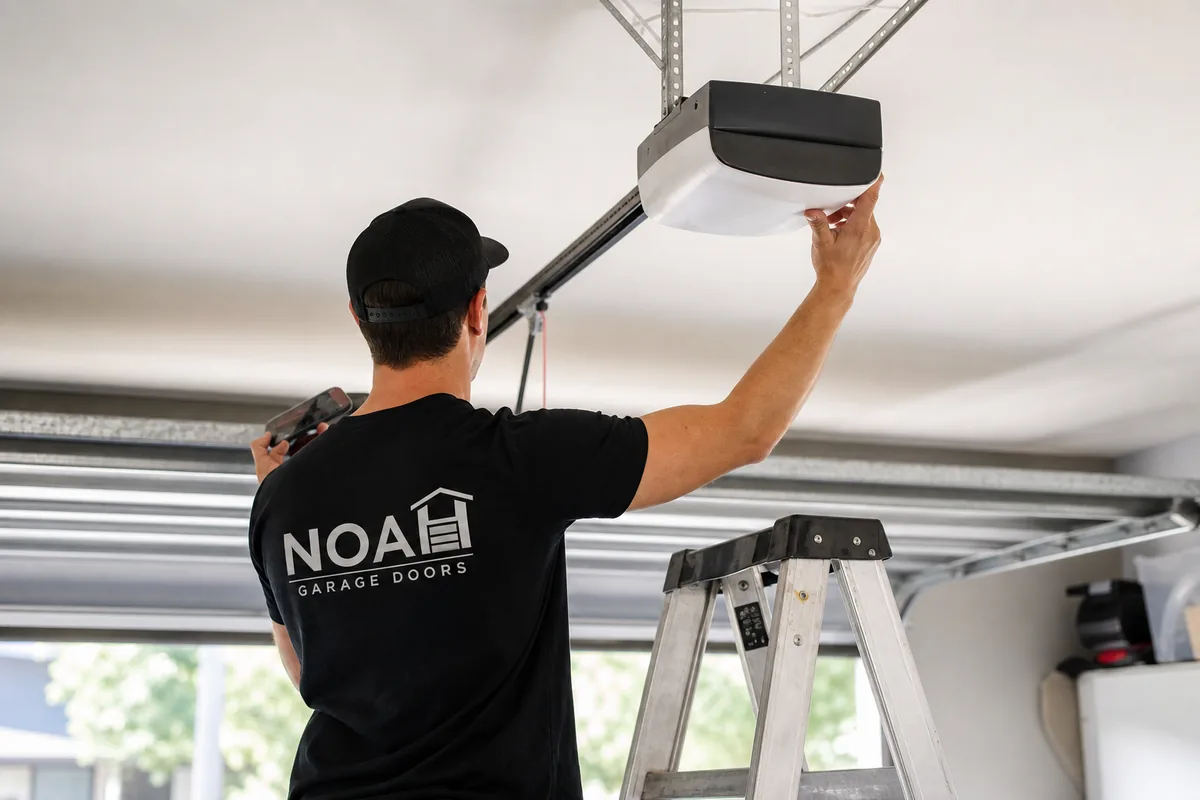
Connecting a garage door opener to your home Wi-Fi network lets you open, close, and monitor your garage from anywhere using a smartphone. You can check whether the door is open or closed while you are at work in Sorrento Valley, close it remotely from a coffee shop in North Park, or set alerts that notify you every time the door moves. For most San Diego homeowners, the setup takes under 20 minutes and requires no special tools.
This guide walks through what you need before you start, the typical connection steps, which apps work with which brands, and how to troubleshoot the most common Wi-Fi pairing issues. We also cover when an upgrade makes more sense than adding a smart hub to an aging unit.
Why Wi-Fi Control Is Worth Setting Up
A connected opener does more than let you open the door from your couch. The practical benefits for San Diego households include:
- Remote access: Open the door for a contractor, housekeeper, or family member without giving away a physical remote or code. Revoke access the same way.
- Activity log: Most apps record every open and close with a timestamp. Useful for households with teenagers or multiple drivers.
- Open-door alerts: The app sends a push notification if the door has been open for longer than a time you set, say 10 minutes. Prevents the garage from staying open overnight.
- Smart home integration: Platforms like Google Home, Amazon Alexa, and Apple HomeKit can trigger the opener based on routines. For example: close the garage automatically when your phone leaves the house.
- Package delivery: Some services, including Amazon Key, can deliver packages inside a closed garage by communicating with a myQ-compatible opener.
What You Need Before You Start
Check these items before you open any app:
- A compatible opener: Most openers made after 2011 work with a third-party smart hub. If your opener has built-in Wi-Fi, you need only the matching app. Check the brand and model number on the motor unit cover.
- A 2.4 GHz Wi-Fi network: Nearly all smart garage accessories connect to 2.4 GHz only, not 5 GHz. Most home routers broadcast both. Make sure you select the 2.4 GHz network during setup, even if your phone normally uses 5 GHz.
- Wi-Fi signal in the garage: A weak signal is the single most common reason setup fails. Stand in your garage and check your phone's Wi-Fi bars. If you are below two bars, a Wi-Fi extender or mesh node in or near the garage resolves most pairing failures before they happen.
- A smartphone and an account: All major brand apps require an account. Download the app and create an account before you start so you can move through setup without pausing.
San Diego homes near the coast, such as those in Ocean Beach, La Jolla, and Coronado, sometimes have concrete or stucco walls between the router and the garage that absorb Wi-Fi signal. If you are in a single-story home with the router at the far end of the house, the garage may be at the edge of your coverage zone. A $30 range extender solves this more reliably than any app setting.
How to Connect Your Opener to Wi-Fi
The exact steps vary by brand, but the general flow is the same for most systems:
- Download the app for your brand. For LiftMaster and Chamberlain: myQ. For Genie: Aladdin Connect. For Craftsman: myQ or AssureLink depending on the model year.
- Create or sign in to your account in the app.
- Add a device. The app walks you through scanning a QR code on the opener or entering the serial number. For add-on hubs, you mount a small sensor on the door and plug the hub unit into a power outlet near the opener.
- Connect to your 2.4 GHz network. The app prompts you to enter your Wi-Fi password. Some hubs use Bluetooth during initial pairing to transfer your Wi-Fi credentials, so keep your phone close to the hub during this step.
- Test the connection. Use the app to open and close the door. Check the activity log to confirm the event was recorded.
If the opener has built-in Wi-Fi (most LiftMaster models from 2020 onward, for example), skip the hub entirely. The motor unit has its own setup button and LED indicator. Hold the button until the LED blinks, then follow the in-app prompts.
Popular Apps and Smart Hubs
myQ (LiftMaster / Chamberlain)
Works with most LiftMaster and Chamberlain openers made after 2011. Integrates with Google Assistant, Apple HomeKit, and Amazon Alexa. Free app with optional paid features for delivery access.
Aladdin Connect (Genie)
Genie's native smart platform. Supports multiple doors from one account. Includes activity log, open-door alerts, and voice control through Alexa and Google Home.
Meross Smart Garage Door Opener
A popular third-party hub that works with openers from multiple brands, including older units. Pairs over 2.4 GHz Wi-Fi. One of the most affordable add-on options at around $25 to $35.
Tailwind iQ3
A hub that adds smart features to any opener with a standard wall-button circuit. Supports geo-fencing, so the door can open automatically as you approach home.
Opener Upgrade Costs in San Diego
If your current opener is old or lacks the wall-button circuit that smart hubs require, a replacement unit with built-in Wi-Fi is often the better long-term choice. Here are the 2026 service costs for the San Diego market:
| Service | Cost Range | Notes |
|---|---|---|
| Opener repair (existing unit) | $125 to $350 | Covers most component failures: drive gear, logic board, sensors |
| Opener replacement, installed | $450 to $950 | Includes labor and a new unit with manufacturer's warranty |
| Safety sensor repair or replacement | $95 to $200 | Required before any smart integration; sensors must work correctly |
Units older than 12 to 15 years rarely justify an expensive repair. A new opener with built-in Wi-Fi, a battery backup (required on all new California installations), and a manufacturer's warranty is typically a better investment than retrofitting smart features onto aging hardware.
Troubleshooting Common Wi-Fi Pairing Problems
If the app cannot find your opener or the connection drops after setup, work through this list before contacting support:
- Wrong network band: Confirm you are connecting to the 2.4 GHz network. On most routers, this is a separate SSID labeled something like "YourNetwork_2G" or simply the main network name. The 5 GHz band will not pair.
- Wrong Wi-Fi password: An incorrect password produces a generic failure message. Re-enter the password carefully, noting capital letters and special characters.
- Opener power cycle: Unplug the opener from the ceiling outlet, wait 30 seconds, and plug it back in. Many pairing failures clear with a full power cycle.
- Hub too far from the router: Move the hub closer to the router for initial pairing, then relocate it near the opener once paired. Some hubs hold the network credentials after the initial connection, so they can move farther from the router afterward.
- Firewall or network isolation: Some routers have a setting called "AP isolation" or "client isolation" that prevents devices on the same network from communicating. Disable this in the router settings and retry.
- Outdated firmware: Check whether a firmware update is available for the hub or opener. Manufacturers release updates to fix pairing bugs, especially with newer phone operating systems.
If none of these steps resolve the issue, the opener itself may have an underlying electrical problem that prevents communication. Noah services all major opener brands across San Diego County and can diagnose connectivity problems that go beyond Wi-Fi settings. We cover neighborhoods from Rancho Bernardo and Scripps Ranch in the north to Chula Vista and National City in the south.
Frequently Asked Questions
LiftMaster and Chamberlain openers use the myQ app. Genie openers use the Aladdin Connect app. Craftsman openers (made by Chamberlain) use the AssureLink app. Linear and Nortek openers have their own app ecosystem. Most openers manufactured after 2011 can be made smart with an accessory hub, even if they lack built-in Wi-Fi.
Not always. If your current opener was made after 2011 and uses a standard wall-button circuit, an add-on smart controller can give it app control without replacing the whole unit. LiftMaster's myQ Smart Garage Hub, Meross, and Chamberlain's myQ accessory all work this way. If your opener is 15 or more years old or uses a proprietary old-format wall button, replacement is usually the cleaner path.
When your home Wi-Fi goes offline, remote app control stops working. The opener itself continues to function normally: your wall button, keypad, and car remotes all operate independently of Wi-Fi. California also requires all new openers sold in the state to include battery backup, so the door stays operable during a power outage regardless of internet status.
Yes, when set up correctly. Reputable brands like LiftMaster and Genie use encrypted connections and rolling-code technology, which prevents signal capture and replay attacks. Use a strong, unique Wi-Fi password, enable two-factor authentication in the app if offered, and review your access log periodically. Avoid connecting the opener to a guest network that other people share.
If you need a tune-up before or after your smart opener install, our maintenance and tune-up service covers lubrication, balance adjustment, and a full safety check so the opener works with a correctly balanced door. An opener working against a heavy or misaligned door wears out faster and may cause Wi-Fi-related app errors when the motor draws unexpected current levels.
For a door that stops mid-cycle or behaves erratically even after a successful Wi-Fi setup, call us for 24/7 emergency garage door repair. A smart opener cannot compensate for a mechanical problem in the door itself, and running the motor against a stuck door risks burning out the unit you just upgraded.
Our Garage Door Services in San Diego
About Noah Garage Doors: Locally owned and operated, serving all of San Diego County. Call or text (619) 572-4266 or email Noahgaragedoors@gmail.com.